PRODUCT DETAILS
Click an item to expand and learn more

SAVE ON LAGUNA & FEIN Shop & Save.
Fast shipping with low rates now available to (limitations apply) Learn More.


Watch Video


Easy Financing
Instant Approval
Easy Financing Options with No Money down
Look for these payment options in your cart for a simple way to pay over time
Click on an option to learn more
Best for personal loans

Best for business loans

PRODUCT DETAILS
Click an item to expand and learn more
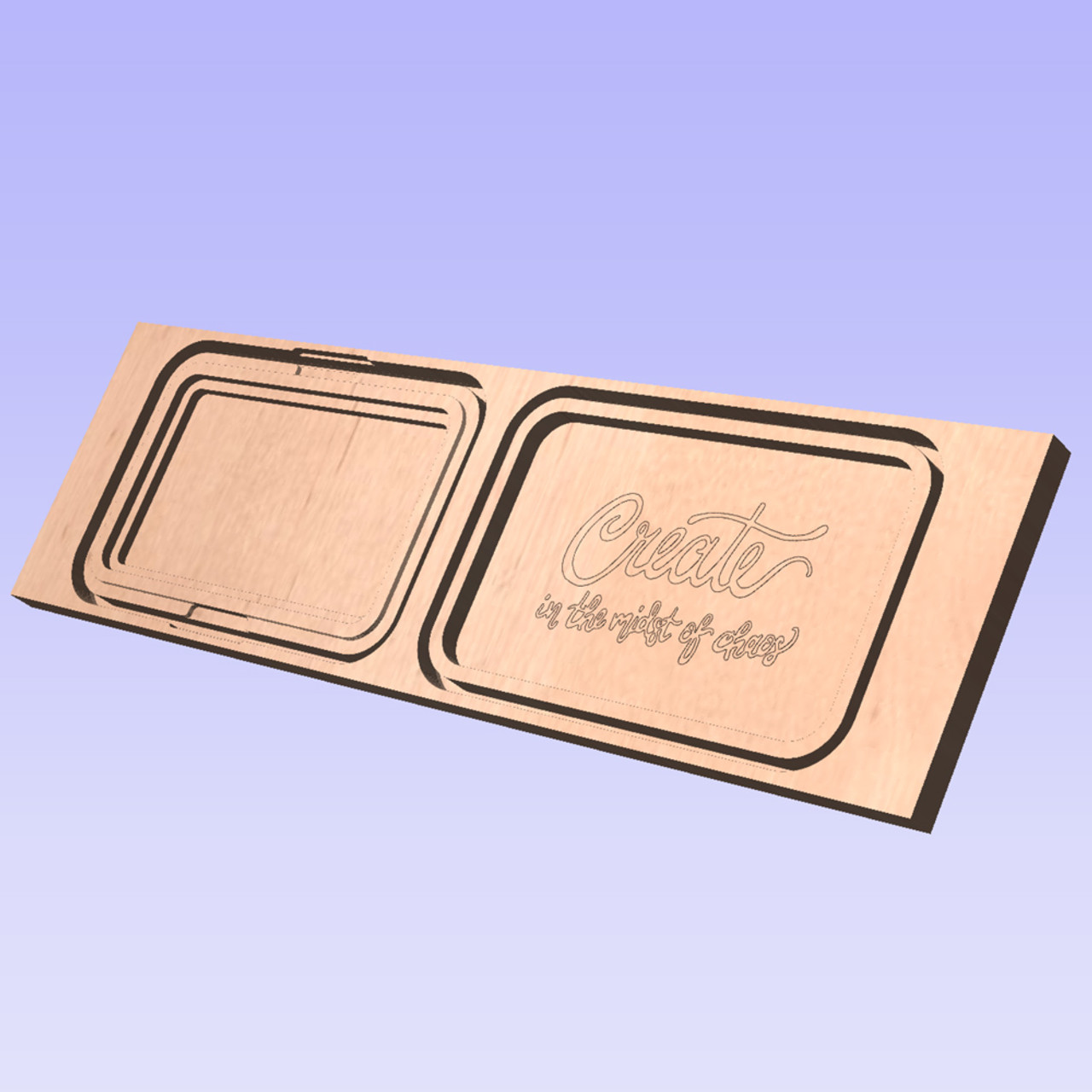
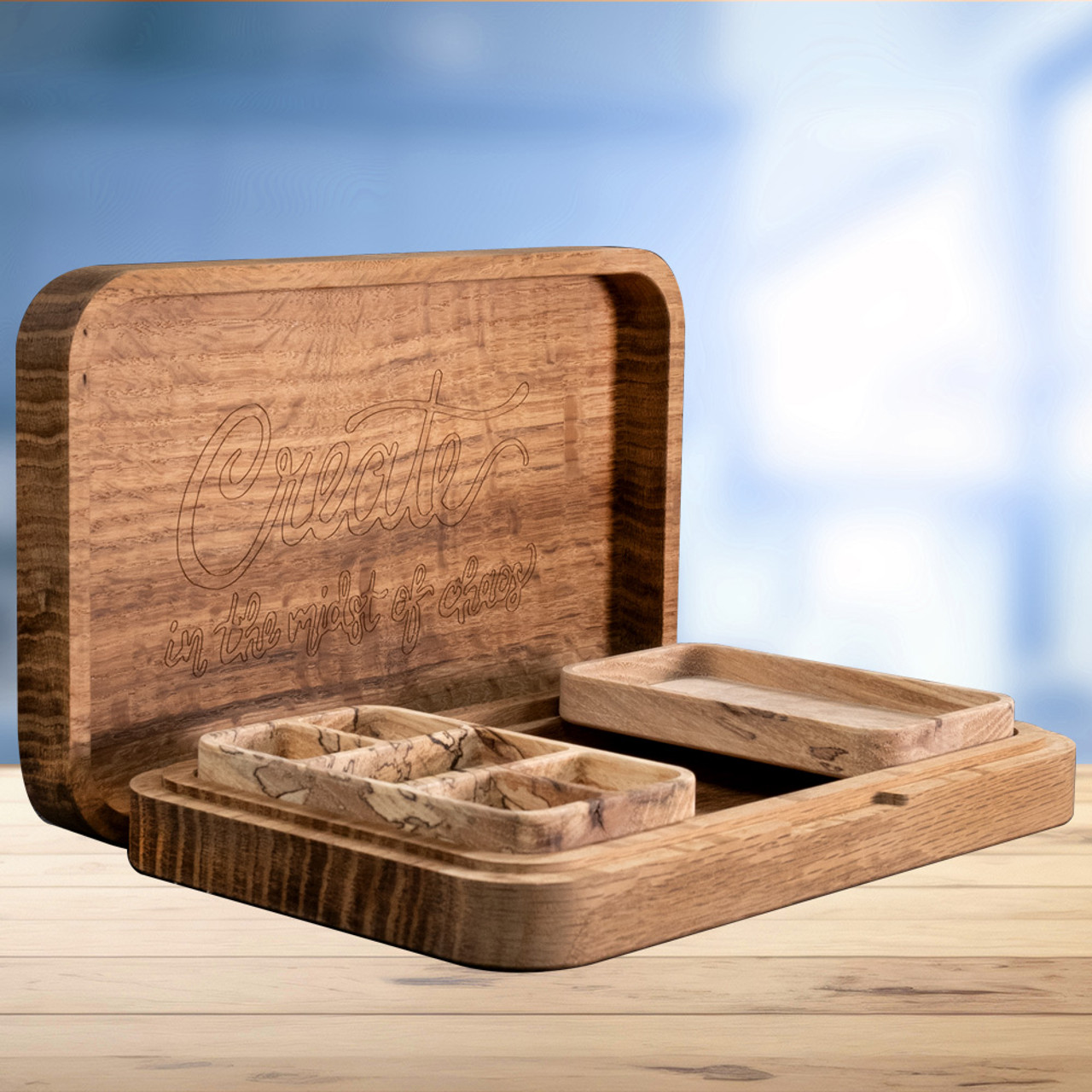
Large Wooden Jewelry Box CNC Plans, Downloadable and Customizable
Difficulty Level: Intermediate.
With this design you will be able to make a very nice, tight fitting jewelry box with an engraving inside.
This may seem like a simple project, but there are a lot of toolpaths required to get the outcome we are looking for. In this set of plans I will walk you through finding the correct offset needed for your CNC machine to achieve a tight-fitting box like this. The engraved text, included in the plans, is hand lettered by my wife, but you can certainly use any font to customize the box to add a date or add your own text. You can also size the box up or down depending on your needs as all the same principals would apply for a larger or smaller box. The largest single piece in the project is 6.375” tall x 10.125” long if you needed to break up the design to fit on your machine.
Tools used in this project:
Amana Tool 46202-K SC Spektra Extreme Tool Life Coated Spiral Plunge 1/4 Dia x 3/4 CH x 1/4 SHK 2-1/2 Inch Long Down-Cut Router Bit
Amana Tool 56142 Carbide Tipped Point Cutting Roundover 1/16 R x 9/64 D x 7/32 CH x 1/4 SHK x 2-1/4 Inch Long Router Bit for Beadboards
Amana Tool 45771-K Solid Carbide Spektra™ Extreme Tool Life Coated 30 Degree Engraving 0.005 Tip Width x 1/4 SHK x 2-1/4 Inch Long Signmaking Router Bit
Amana Tool 46315-K SC Spektra™ Extreme Tool Life Coated Spiral Plunge 1/4 Dia x 1 CH x 1/4 SHK 2-1/2 Inch Long Up-Cut Router Bit
Amana Tool 49496 Carbide Tipped Corner Rounding 1/8 R x 3/4 D x 3/8 CH x 1/4 Inch SHK w/ Lower Ball Bearing Router Bit
Ensure the tools, depth of cut, speeds and feeds are correct for your setup and the bits you’re using.
You will receive a detailed PDF with step-by-step instructions, SVG files, DXF Files, Vectric Aspire and Vectric V-Carve Pro files, both compatible with version 9 and up. The Vectric files include all toolpaths set for you.









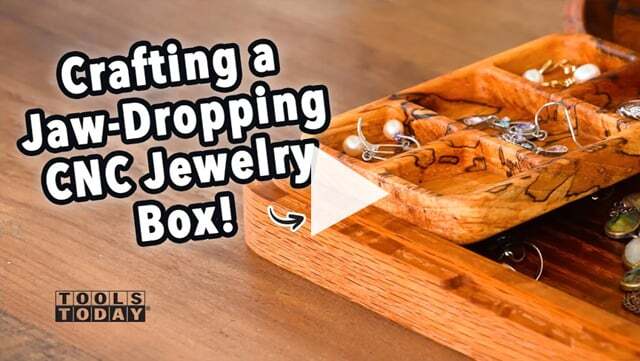 How to Make a Jewelry Box Gift | ToolsToday CNC Video